

Choosing the right technology can be overwhelming for restaurant and café owners across the UK. When every penny counts and staff time is precious, mastering hospitality POS terminology opens doors to smarter decisions and fewer headaches. Understanding concepts like transaction processing and inventory synchronisation gives you direct control over costs, staff efficiency, and customer experience. This overview equips you with the practical language and knowledge needed for better supplier conversations, system selection, and operational success.
Table of Contents
- Defining Hospitality POS Terminology And Concepts
- Main POS System Types In Hospitality
- Essential Features And Functions Explained
- POS Integration, Security, And Compliance Risks
- Cost Factors And Common Implementation Mistakes
Key Takeaways
| Point | Details |
|---|---|
| Understanding POS Terminology | Knowing key terms like transaction processing and inventory synchronisation enhances communication with suppliers and boosts operational efficiency. |
| Choosing the Right POS System Type | Selecting the appropriate POS system—be it terminal-based, cloud-based, mobile, or specialist—depends on your specific business needs and operational styles. |
| Cost of Implementation | Anticipating additional costs beyond the initial purchase is crucial for budgeting, including integration, training, and ongoing support expenses. |
| Security and Compliance | Adhering to PCI DSS and GDPR standards is essential to protect customer data and avoid costly breaches, making security a priority in your POS system selection. |
Defining Hospitality POS Terminology and Concepts
A Point of Sale (POS) system is far more than just a cash register. In the context of UK hospitality, POS systems transform transaction processes across restaurants, cafes, and takeaways by integrating order management, billing, inventory control, and customer relationship management into one cohesive platform. When you understand the terminology surrounding these systems, you gain the ability to communicate more effectively with your suppliers, make better purchasing decisions, and unlock genuine operational improvements rather than simply going through the motions of using technology.
The core concept behind POS terminology revolves around how data flows through your business. At its most basic level, a POS system captures customer transactions at the point of service, but this simple action sets off a chain reaction. That single transaction data feeds directly into your inventory management, alerting you when stock runs low. It updates your sales records, showing you which dishes drive profit and which ones gather dust on the menu. It creates customer records that help you understand spending patterns and preferences. For hospitality operators, grasping terms like transaction processing, order routing, and payment gateway integration means you understand how these different functions speak to each other.
Key terminology in hospitality POS includes:
- Transaction Processing: The real-time capture and authorisation of customer payments
- Order Management: How orders move from the till to your kitchen display system
- Inventory Synchronisation: Automatic updates to stock levels as items are sold
- Payment Gateway Integration: The secure connection between your till and payment processors
- Customer Data Management: How your system stores and analyses customer information
- Reporting and Analytics: The dashboards and reports that tell you what’s actually happening in your business
Understanding these terms matters because they directly influence how efficiently your staff work and how well you can control costs. When your kitchen staff uses the right terminology with your POS provider, setup conversations become clearer. When you discuss your needs with suppliers, you can describe exactly what you require rather than settling for a generic solution. This precision leads to better system selection, fewer implementation problems, and faster staff training once you go live.
Below is a reference table clarifying how core POS functions impact typical UK hospitality operations:
| POS Function | How It Works | Business Impact |
|---|---|---|
| Real-time transaction data | Captures and logs every sale instantly | Enables accurate sales reporting and stock updates |
| Integrated order routing | Sends orders directly from till to kitchen | Reduces miscommunication, improves workflow speed |
| Automated inventory sync | Stock adjusts automatically after sales | Prevents stockouts, supports efficient reordering |
| Centralised customer data | Stores purchase profiles and contact info | Allows targeted marketing and personalised service |
| Secure payment processing | Connects card reader and till securely | Decreases risk of fraud and processing errors |
| Detailed analytics | Converts transactions into business insights | Informs menu improvements and staffing decisions |
YCR Distribution supports UK hospitality businesses seeking to optimise their operations through POS technology, offering both hardware and software solutions designed specifically for restaurants, cafes, and takeaways. Whether you operate a small independent cafe or manage multiple locations, familiarity with hospitality POS terminology empowers you to make informed decisions about which systems and features truly serve your business needs.
Pro tip: Create a simple glossary document for your team using the terminology most relevant to your operation, and reference it during staff training to ensure everyone speaks the same language when discussing orders, transactions, and system functions.
Main POS System Types in Hospitality
Not all POS systems are created equal, and choosing the wrong type can leave you fighting against your own technology rather than benefiting from it. The main POS system types used in UK hospitality fall into distinct categories, each designed for different operational needs. Understanding which type suits your business means you avoid costly mistakes and get systems that actually streamline your workflow rather than complicate it.
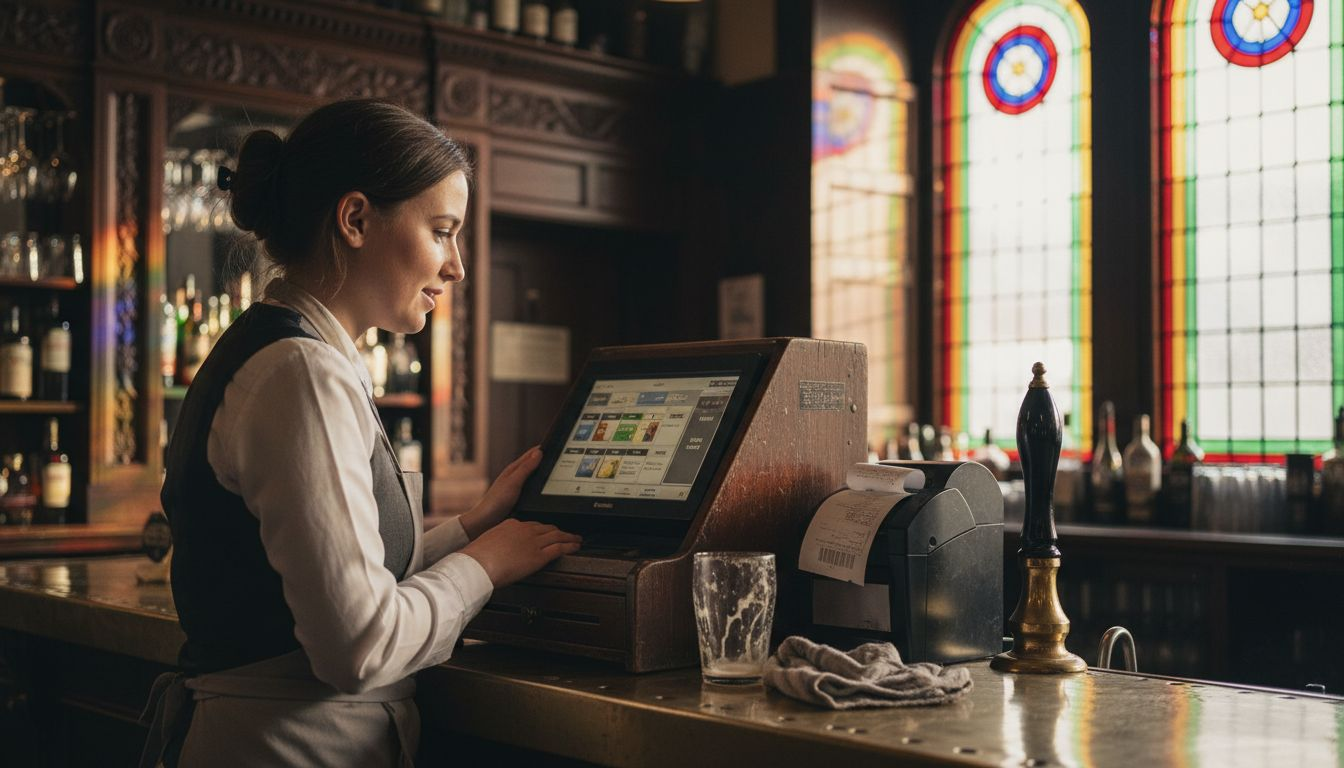
Traditional Terminal-Based Systems form the backbone of many established hospitality operations. These fixed-position tills sit at your counter or bar and handle transactions through a desktop computer or dedicated hardware unit. They excel at processing payments quickly and maintain strong security because they’re not mobile. For a traditional sit-down restaurant or established cafe, this type offers stability and proven reliability. However, they limit your staff’s movement and work best in operations where customers queue at a single point.
Cloud-Based POS Systems represent a significant shift in how hospitality businesses operate. Instead of data stored on local servers, cloud-based POS systems sync information across multiple locations and devices in real-time. If you run multiple sites across the UK, this approach gives you genuine oversight of all operations from one dashboard. Staff can log in from anywhere, inventory updates instantly across all locations, and you access reports from any device with an internet connection. The trade-off is your reliance on broadband stability, though most modern hospitality operators find this acceptable.
Mobile and Handheld POS Systems transform how your team takes orders and processes payments. Using tablets or smartphones connected to wireless networks, staff move throughout your venue capturing orders tableside or at the counter. This type particularly suits takeaways, cafes, and casual dining where speed and customer interaction matter. Real-time order processing and guest billing happens instantly, reducing wait times and improving customer experience. Many UK hospitality businesses use these as supplementary systems alongside fixed terminals rather than replacements.
Specialist Restaurant and Cafe POS Platforms combine features specifically for food and beverage operations. These integrate kitchen display systems showing orders in real-time, table management for restaurants, and menu customisation for different meal types. Whether you operate a small independent cafe or a multi-site bistro chain, specialist systems designed for hospitality streamline workflows your staff actually understand. Many providers offer customised solutions for cafes and bistros or takeaway operations with built-in features like delivery tracking, loyalty programmes, and staff management.
Quick Comparison
| System Type | Best For | Key Strength | Main Limitation |
|---|---|---|---|
| Terminal-Based | Fixed counter operations | Security, reliability | Limited mobility |
| Cloud-Based | Multi-site operations | Real-time sync, remote access | Internet dependency |
| Mobile/Handheld | Fast-paced service | Customer interaction, speed | Battery and connectivity |
| Specialist Hospitality | Restaurants, cafes | Industry-specific features | Higher initial cost |
The right choice depends on your specific operation. A busy London cafe might benefit from mobile systems supporting quick transactions. A traditional restaurant with reserved tables might prefer terminal-based systems integrated with table management. Whatever you choose, ensure your selected system integrates with your accounting software, handles your payment methods, and scales as your business grows.
Pro tip: Test any POS system with your actual workflow before committing; ask providers for a working demonstration using your menu items and payment methods to see how naturally it fits your operation.
Essential Features and Functions Explained
Every hospitality POS system worth considering includes a set of core features that directly impact how your business runs day-to-day. These features aren’t optional extras—they’re the actual tools that reduce errors, speed up service, and give you the visibility you need to make decisions. When you know what each feature does and why it matters, you can evaluate whether a POS system truly fits your operation or merely looks impressive during a demo.
Sales Processing and Transaction Management form the foundation of any POS system. This feature captures every transaction in real-time, recording what was sold, when it was sold, and by which staff member. Payment processing happens instantly, reducing customer wait times and minimising errors in change or card transactions. But here’s what matters: transaction data feeds directly into your reporting systems, letting you see which menu items drive revenue and which ones consistently underperform. Sales processing alongside inventory management creates a closed loop where your stock levels automatically adjust based on what you actually sell rather than guesses or manual counts.
Inventory Management and Stock Control prevents the frustration of running out of key ingredients mid-service or discovering expired stock gathering dust in your storeroom. Your POS tracks usage patterns, alerts you when stock drops below set levels, and helps you understand which suppliers deliver reliably and which ones consistently miss orders. For a cafe operating with tight margins, knowing exactly how much coffee you move weekly means you order precisely what you need rather than tying up capital in overstock. This feature connects to your suppliers’ ordering systems in many modern implementations, creating truly automated purchasing where your POS tells suppliers what you need based on actual sales data.
Employee Management and Access Control keeps your staff workflows organised and secure. Each team member logs in with their own credentials, so you track who handled which transactions. This creates accountability and helps you identify training gaps when errors occur. Staff scheduling integrates with sales forecasting, so you roster the right number of people when demand peaks and reduce costs during quiet periods. You can assign specific permissions to staff, meaning your junior cafe assistant can’t access payroll data and your junior managers can’t override discount policies without supervisor approval.
Customer Relationship Management (CRM) and Loyalty Integration transforms one-off transactions into ongoing relationships. Your POS records customer preferences, spending patterns, and special requests. A regular who always orders oat milk in their coffee gets flagged in the system, so staff deliver personalised service. Extensive sales reporting and customer data analysis help you identify your high-value customers and understand what keeps them coming back. Loyalty programmes integrate directly into your POS, so rewards calculate automatically and customers see their points balance immediately after payment.
Reporting and Analytics Dashboards transform raw transaction data into actionable insights. You see sales trends by hour, day, or week. You analyse which staff members process transactions fastest and which menu items generate the highest profit margins. For multi-site operations, you compare performance across locations. A good reporting system answers questions like “Which items sell best on Fridays?” or “Has my average transaction value increased since I changed the menu?” without requiring spreadsheet battles or waiting for accountants to crunch numbers.
Key Features at a Glance
- Barcode Scanning: Speeds up ordering and stock tracking through quick product identification
- Receipt Generation: Produces customer receipts and internal kitchen tickets simultaneously
- Kitchen Display System Integration: Sends orders directly to kitchen screens, eliminating paper tickets
- Table Management: For restaurants, tracks which tables are occupied and ready for payment
- Payment Processing: Handles cash, cards, and digital wallets securely
- Session Management: Groups transactions by staff member and shift for accountability
- Stock Forecasting: Predicts future demand based on historical sales patterns
Pro tip: When evaluating a POS system, request a report showing how it would analyse your last month of sales data; this real-world example reveals whether the reporting actually answers the questions you need answered.
POS Integration, Security, and Compliance Risks
Your POS system handles the most sensitive information your business possesses: customer payment details, personal data, and financial records. A single security breach doesn’t just disrupt your operations—it can destroy customer trust, trigger substantial fines, and create legal headaches that consume months of your time. Understanding the security and compliance landscape isn’t optional. It’s the difference between a business that survives a cyber incident and one that doesn’t.
The Core Security Challenge with POS Systems stems from their central role in collecting and processing payment card data. Your till connects to payment processors, stores transaction histories, and often integrates with third-party systems like accounting software and reservation platforms. Each connection represents a potential vulnerability. Hackers target hospitality businesses specifically because they know many operators prioritise speed and convenience over security measures. Cybersecurity risks in hospitality POS systems include data breaches that compromise customer financial and personal information, creating cascading problems for your reputation and finances. A breach affecting just 100 customers’ card details can cost you thousands in notification requirements, credit monitoring services, and potential legal claims.
Payment Card Industry Data Security Standard (PCI DSS) Compliance isn’t a recommendation—it’s mandatory if you accept card payments in the UK. This standard requires specific security measures: encrypted data transmission, regular security testing, access controls limiting who can view payment information, and incident response plans detailing what you’ll do if a breach occurs. Many UK cafe and restaurant owners assume their POS provider handles compliance completely. That’s dangerous thinking. You remain liable even if your provider fails. Your responsibility includes ensuring your provider maintains PCI DSS certification, conducting annual security assessments, and maintaining audit logs of who accesses payment data and when. Non-compliance can result in fines ranging from hundreds to tens of thousands of pounds, depending on breach severity.
GDPR and Data Protection Obligations layer additional requirements on top of PCI DSS. Under the General Data Protection Regulation, you control personal data about your customers (names, email addresses, phone numbers, loyalty programme information). You must obtain explicit consent before storing this data, allow customers to access their information on request, delete it when requested, and report any breaches to UK regulators within 72 hours. PCI DSS and GDPR compliance standards represent interconnected requirements where POS integration failures can trigger breaches affecting both payment security and personal data protection simultaneously. A single compromise of your POS system might breach both standards, multiplying potential penalties and reputational damage.
Integration Vulnerabilities and Third-Party Risk emerge when your POS connects to external systems. Your till might integrate with online ordering platforms, delivery services, accounting software, and staff management systems. Each integration creates a pathway into your core POS data. A vulnerability in a seemingly minor third-party app could allow hackers to access your payment processing systems. Many breaches occur not because the POS itself was weak, but because an integrated app was poorly secured.
Key Compliance Requirements
- Encrypt all payment card data both in transit and at rest
- Maintain detailed logs of POS access and transactions
- Conduct annual security audits or penetration testing
- Update POS software regularly with security patches
- Require strong passwords and multi-factor authentication
- Restrict admin access to authorised personnel only
- Implement network segmentation keeping POS systems separate
- Develop incident response procedures before breaches occur
- Ensure all staff understand data handling requirements
- Review supplier security certifications annually
Choosing a POS provider who takes security seriously from the outset protects your business far better than trying to add security measures afterwards. Ask potential providers directly about their PCI DSS certification status, encryption methods, and incident response procedures. Request references from similar-sized hospitality businesses asking specifically about their security experiences. Don’t settle for vague assurances. The cost of implementing proper security upfront is trivial compared to the cost of addressing a breach.
To help you compare implementation priorities, here is a summary of key risks and strategies for POS security and compliance:
| Risk Area | Common Pitfall | Best Practice |
|---|---|---|
| Payment data breach | Weak encryption or outdated software | Use certified, regularly updated systems |
| GDPR non-compliance | Storing customer data without consent | Obtain consent and enable data access requests |
| Integration flaws | Poorly vetted third-party connections | Vet all integrations and review supplier audits |
| Staff access misuse | Excessive admin permissions | Limit access and use multi-factor authentication |
Pro tip: Request your POS provider’s latest PCI DSS compliance certificate and penetration test report before signing any contract; legitimate providers share these documents readily, whilst reluctance is a major red flag.
Cost Factors and Common Implementation Mistakes
POS implementation costs catch many UK hospitality operators off guard. You budget for hardware and software, then discover training, integration, and customisation charges that double your initial estimate. Understanding where money actually goes prevents nasty surprises and helps you allocate resources wisely. More importantly, knowing common mistakes lets you avoid expensive failures that waste both money and time.
Breaking Down the Real Cost of POS Implementation requires looking beyond the headline price. Hardware costs include the till terminal, receipt printer, payment card reader, and kitchen display screens. Software licensing covers your POS platform itself, plus any monthly or annual subscriptions. But here’s where budgets derail: integration costs connect your POS to accounting software, online ordering platforms, and delivery services. Customisation expenses adjust the system to match your specific workflows. Staff training takes time (yours and theirs) to ensure everyone uses the system properly. Implementation services involve technicians setting up equipment, configuring software, and running parallel systems until you fully switch over. Cost implications of POS implementation include hardware, software, and maintenance expenses that extend well beyond initial purchase, with ongoing support and upgrades consuming additional resources throughout the system’s lifespan.
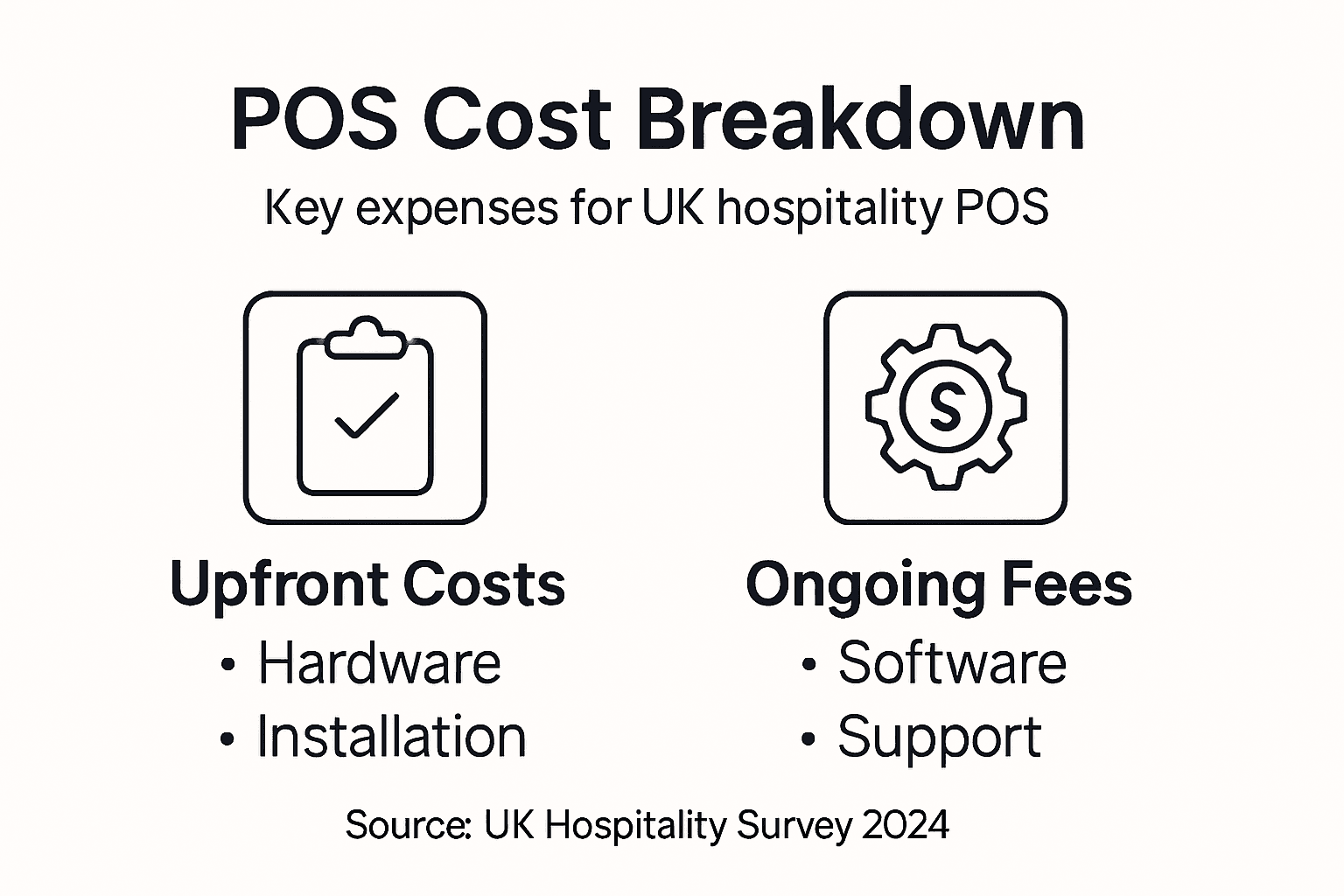
For a small independent cafe, expect total implementation costs ranging from £3,000 to £8,000 for a basic cloud-based system with one till, printer, and card reader. A multi-site operation or restaurant with table management and kitchen display systems easily reaches £15,000 to £40,000. But these figures cover only year one. Monthly subscriptions typically run £50 to £300 depending on features and transaction volumes. Hardware maintenance and upgrades add another £500 to £1,500 annually. Payment processing fees vary but typically cost 1.5% to 3.5% of card transactions. When you add these together over five years, the actual cost of ownership far exceeds the initial purchase price.
Common Implementation Mistakes That Cost You Money and Operational Efficiency
Adequate staff training forms the foundation of successful POS adoption, yet it’s the first thing underfunded. Your team struggles with basic functions, customers experience slower service, and you lose the efficiency gains the system promised. Dedicate proper training time before going live. Your staff shouldn’t learn your new POS during peak service.
Choosing a system that doesn’t fit your actual workflow creates ongoing friction. You need table management and reservations for a restaurant, but a takeaway thrives with quick ordering and delivery integration. Common pitfalls in POS implementation include poor system integration and insufficient customisation for business needs, leading to operational inefficiencies where staff work around the system rather than with it. A £10,000 system that doesn’t match your processes costs far more than a £5,000 system that fits perfectly.
Underestimating ongoing support creates problems months after implementation. A POS provider offers minimal technical support, but you face payment processing issues, software bugs, or integration failures. Clarify upfront what support actually includes: response times, available hours, and whether support costs extra.
Neglecting integration planning causes months of delayed benefits. You buy a POS system but delay connecting it to your accounting software. Your team enters data manually into both systems, defeating the purpose entirely. Build integration timelines into your implementation plan from day one.
Cost Breakdown Example: Single-Site Cafe
| Cost Category | Typical Range | Notes |
|---|---|---|
| Hardware (till, printer, card reader) | £1,500 to £3,000 | Quality equipment prevents frustration |
| Software licence (year one) | £600 to £1,200 | Often includes basic support |
| Integration and customisation | £1,000 to £2,500 | Highly variable based on complexity |
| Staff training | £300 to £800 | Don’t skip this or you’ll regret it |
| Installation and setup | £400 to £1,000 | Professional setup prevents problems |
| Year one total | £3,800 to £8,500 | Budget for the upper end |
| Ongoing annual costs | £1,200 to £3,600 | Software, support, and maintenance |
Making POS decisions based solely on price is false economy. A cheap system that creates operational headaches costs vastly more in lost efficiency and staff frustration. Instead, focus on total cost of ownership across five years, alignment with your actual workflows, and quality of vendor support. Ask your potential provider for references from similar hospitality businesses and speak directly with those operators about hidden costs they discovered during implementation.
Pro tip: Request a detailed breakdown of all costs including installation, training, integration, and monthly fees before signing anything; compare this total cost of ownership figure across providers rather than just comparing base software prices.
Elevate Your Hospitality Operations with Expert POS Solutions
Mastering hospitality POS terminology and concepts unlocks the door to streamlined workflows and greater profitability. The challenges of real-time transaction processing, inventory synchronisation, and secure payment integrations require a partner who understands your unique needs and can provide tailored hardware and software that truly connect every part of your operation. Whether you manage a single busy cafe or multiple restaurant locations across the UK, understanding and implementing the right POS system can prevent costly errors and boost customer satisfaction.
YCR Distribution offers a comprehensive range of hospitality POS solutions designed specifically to address these industry challenges. From dependable SAM4S terminals and handheld tablets to fully integrated software platforms like SAMTOUCH and EZEEPOS, we combine technology that speaks your language in hospitality. Our solutions support everything from order management to detailed analytics, helping you harness data securely and comply with PCI DSS and GDPR standards. Discover peace of mind with next-day delivery and expert support that ensures your investment drives real operational improvements.

Ready to transform your hospitality business with reliable POS technology that understands your operation inside out Explore our full range of hardware and software at YCR Distribution and take the first step towards flawless service and enhanced efficiency today. Learn more about how our hospitality POS solutions empower UK cafes, restaurants, and takeaways to thrive in a competitive market.
Frequently Asked Questions
What is a POS system in the context of hospitality?
A POS system in hospitality is an integrated platform that manages transaction processes, order management, inventory control, and customer relationship management, enhancing overall efficiency.
How does transaction processing work within a POS system?
Transaction processing captures customer payments in real-time, recording each sale and updating inventory and sales data instantly, allowing for accurate reporting and stock management.
What are the key differences between traditional, cloud-based, and mobile POS systems?
Traditional systems are fixed and reliable but lack mobility; cloud-based systems allow real-time updates across locations but rely on internet stability; mobile systems facilitate quick ordering and payments on the go but may have connectivity limitations.
Why is understanding hospitality POS terminology important for staff?
Understanding POS terminology helps staff communicate effectively with suppliers, makes it easier to describe operational needs, and ensures smoother implementation, leading to better staff training and operational improvements.