
Types of retail barcode label printers: 2026 guide
Retail barcode label printers fall into three main categories: desktop, industrial, and portable models. Each type suits a different print volume, environment, and budget. Choosing the wrong one costs you more than money. It costs you time, label quality, and POS accuracy. This guide covers every major type of retail barcode label printer, compares direct thermal and thermal transfer technologies, and gives you a practical framework for matching the right printer to your operation, whether you run a single convenience shop or a multi-site hospitality group.
1. What are the types of retail barcode label printers?
Retail barcode label printers, known in the industry as label printers or thermal label printers, divide into three core classes based on volume and mobility. Desktop printers handle low to medium volumes at a fixed workstation. Industrial printers run continuously at high speed for large operations. Portable printers give mobile staff the ability to print anywhere on the floor or in the field. Brands such as Zebra, Brother, Brady, HPRT, SATO, and Bixolon cover all three classes. The right choice depends on your daily label volume, the durability your labels need, and how your staff actually work.
2. Desktop barcode label printers: what they do and when to use them
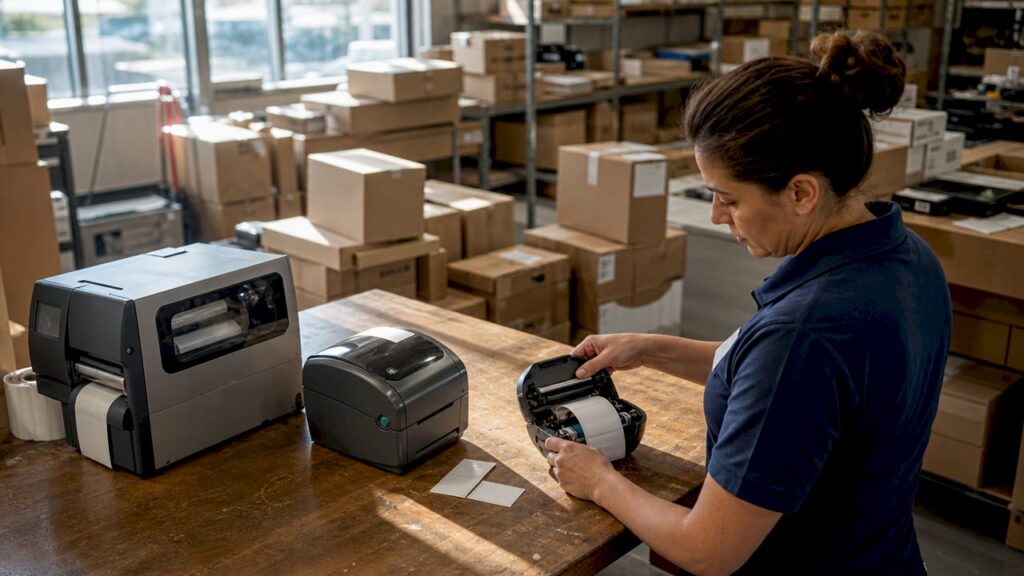
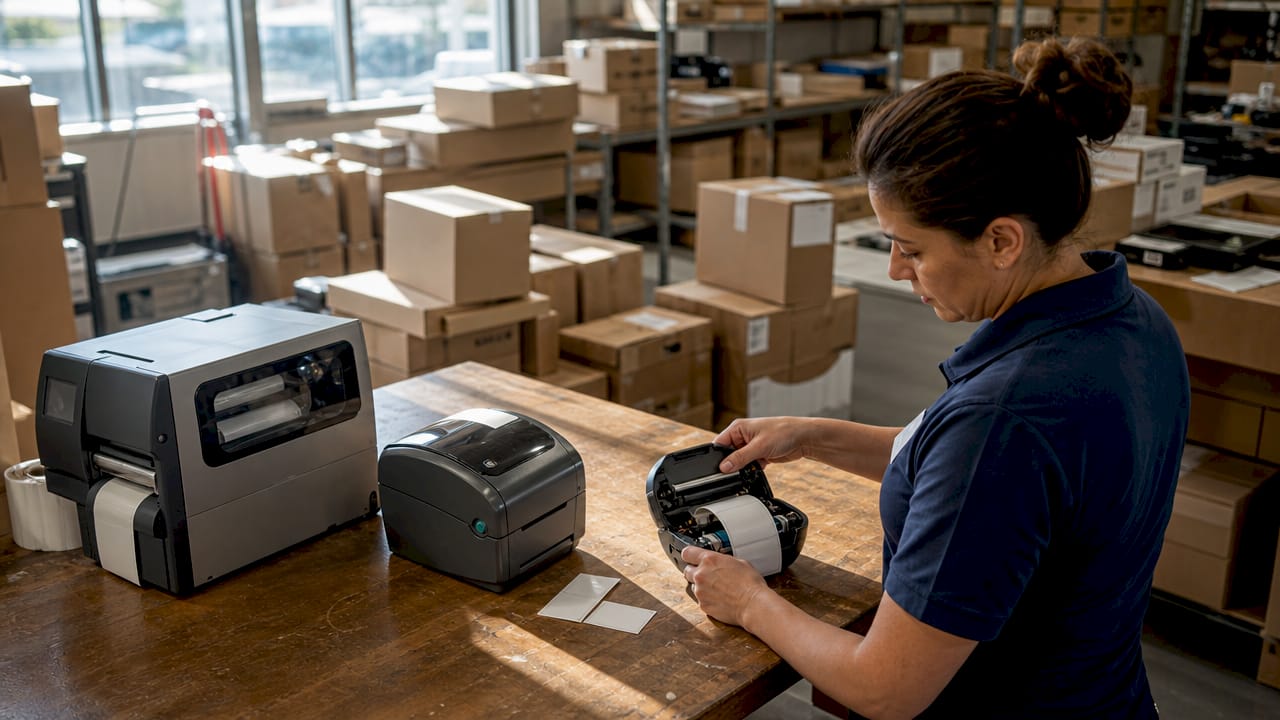
Desktop label printers are the standard choice for small to medium retail businesses. Desktop printers handle 500–2,000 labels per day, printing at 6–8 inches per second with print widths of 2–4 inches. That output suits shelf labelling, price tags, and shipping labels in a single shop or small warehouse. Models like the Zebra ZD421 and HPRT HD700 are widely used in UK retail for exactly this purpose.
Desktop printers connect easily to POS software via USB or Ethernet, and most support both direct thermal and thermal transfer printing. Consumables are straightforward: label rolls and, for thermal transfer, ink ribbons. The upfront cost is lower than industrial models, typically ranging from a few hundred pounds for entry-level units. The trade-off is that desktop printers are not built for continuous, all-day print runs.
- Typical daily volume: 500–2,000 labels
- Print speed: 6–8 ips
- Print width: 2–4 inches
- Common uses: shelf labels, price tags, shipping labels, receipts
- Connectivity: USB, Ethernet, Wi-Fi (model dependent)
- Compatible with POS software such as SAMTOUCH and EZEEPOS
Pro Tip: If your label volume regularly hits the upper end of the 2,000-per-day range, test the printer under sustained load before committing. Some desktop models throttle speed or overheat during extended runs.
3. Industrial barcode label printers: built for high-volume retail
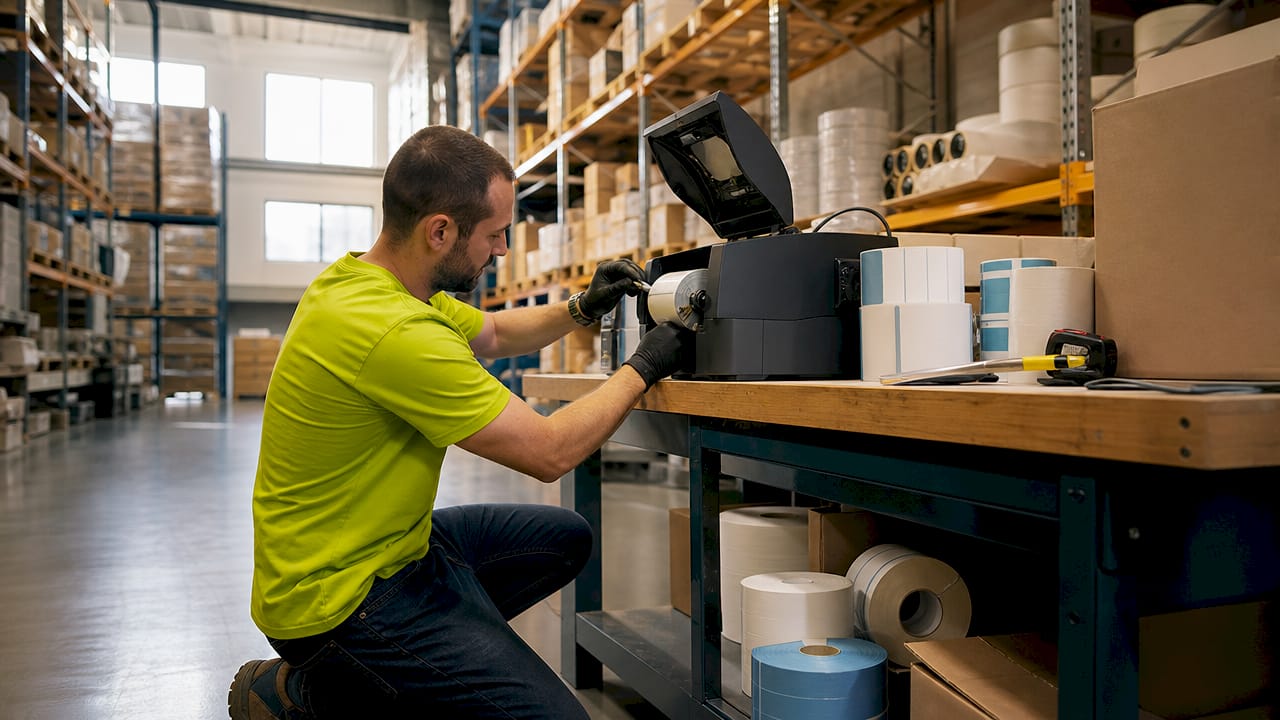
Industrial printers are designed for operations that cannot afford downtime. Industrial printers manage 5,000–20,000+ labels daily, printing at speeds up to 14 ips with print widths of 4–8 inches. That speed advantage matters enormously in large retail chains, distribution centres, and hospitality groups producing labels continuously across multiple shifts.
Durability is the defining feature. Industrial models use metal frames, heavy-duty printheads, and large ribbon capacities. The SATO CL4NX Plus is a well-regarded example in this class. Industrial printers carry ribbon capacities up to 600 metres, compared to 74–300 metres in desktop models. Fewer ribbon changes mean less downtime during large print tasks. That difference compounds quickly across a working week.
The total cost of ownership calculation favours industrial printers at scale. The upfront price is higher, but printhead lifespan and ribbon capacity are key cost drivers that industrial models handle far better than desktop units. Replacing a desktop printer every 18 months costs more than investing in one industrial unit that runs for years.
Best retail scenarios for industrial printers:
- Large supermarkets and retail chains with continuous label production
- Warehouses managing high-volume stock intake and dispatch
- Hospitality groups labelling food products across multiple kitchens
- Distribution centres printing thousands of shipping and compliance labels daily
- Any operation running two or more shifts where downtime is not acceptable
Pro Tip: Ask suppliers for the printhead’s rated lifespan in linear inches printed, not just years of use. A printhead rated for 10 million inches lasts far longer in a low-volume shop than in a warehouse running 20,000 labels a day.
| Feature | Desktop | Industrial |
|---|---|---|
| Daily volume | 500–2,000 labels | 5,000–20,000+ labels |
| Print speed | 6–8 ips | Up to 14 ips |
| Ribbon capacity | 74–300 metres | Up to 600 metres |
| Build | Plastic frame | Metal frame |
| Best for | Small to medium retail | Large chains, warehouses |
4. Portable barcode label printers: printing on the move
Portable barcode label printers solve a specific problem: your staff are not always at a desk. Mobile printers handle 100–500 labels daily and support wireless connectivity via Bluetooth or Wi-Fi. That makes them the right tool for price changes on the shop floor, stock management during a delivery, or event ticketing in a hospitality venue. Brady handheld printers are a recognised name in this category.
The practical benefit is speed. A staff member with a portable printer can relabel an entire shelf section without returning to a fixed workstation. That cuts the time between a price decision and the label appearing on the shelf from hours to minutes. For hospitality operations managing food labelling across a kitchen, the same logic applies.
Wearable barcode printers take mobility one step further. Wearable printers free staff hands during tasks, improving both workflow continuity and safety. A warehouse picker or kitchen porter wearing a wrist-mounted printer can label items without stopping or setting anything down.
- Volume: 100–500 labels per day
- Connectivity: Bluetooth, Wi-Fi
- Power: rechargeable battery
- Use cases: floor repricing, stock intake, food labelling, event ticketing
- Key benefit: no fixed workstation required
“Mobile and wearable printers are vital for retail and hospitality floor staff, enabling faster and safer label printing workflows.” — inflowinventory.com
Understanding how barcode scanners support retail workflows alongside portable printers gives you a clearer picture of what a fully mobile stock management setup looks like.
5. Direct thermal vs thermal transfer: which printing technology is right for you?
The two dominant printing technologies in retail label printing are direct thermal and thermal transfer. They look similar on the surface but behave very differently in practice. Choosing the wrong one for your environment is a common and costly mistake.
Direct thermal printing uses heat-sensitive paper that darkens when the printhead applies heat. There is no ribbon involved. Direct thermal labels cost £0.01–£0.03 each and last 6–12 months under normal conditions. They are well suited to short-life applications: shipping labels, receipts, and daily price tags. The problem is sensitivity. Direct thermal labels fade quickly in heat or sunlight, making them unsuitable for products stored outdoors or in warm environments. They are also chemically sensitive, so contact with cleaning products or solvents can destroy the print.
Thermal transfer printing uses a ribbon to transfer ink onto the label material. The result is a far more durable label. Thermal transfer labels last 10+ years and withstand outdoor exposure, chemicals, and temperature extremes. That makes thermal transfer the correct choice for asset identification, long-term inventory labels, and any product stored in a challenging environment. The trade-off is cost: ribbons add to your consumables bill, and thermal transfer printers typically cost more upfront.
For a deeper look at how thermal printing works across retail hardware, the thermal receipt printing guide from Ycr covers the technology in practical terms.
| Technology | Label cost | Durability | Ribbon needed | Best use |
|---|---|---|---|---|
| Direct thermal | £0.01–£0.03 | 6–12 months | No | Shipping, receipts, short-life tags |
| Thermal transfer | Higher | 10+ years | Yes | Asset labels, outdoor, long-term stock |
Pro Tip: If your shop uses cleaning sprays near shelving, test a direct thermal label by rubbing it with a damp cloth. If the print smears or fades, switch to thermal transfer for those locations.
6. How to choose the right retail barcode label printer for your business
Matching a printer to your business starts with three questions: How many labels do you print each day? How long do those labels need to last? Do your staff print from a fixed point or on the move?
Volume is the clearest guide. Under 2,000 labels a day, a desktop printer from Zebra, HPRT, or Bixolon covers most retail needs. Above 5,000 labels a day, an industrial model like the SATO CL4NX Plus is the correct investment. Between those figures, assess your growth trajectory. Buying a desktop printer that you outgrow in six months is not a saving.
Sub-£200 consumer printers lack the precision and durability needed for retail POS use, and replacement costs quickly exceed what a proper retail-grade unit would have cost. Total cost of ownership covers the printer, consumables, integration, and maintenance over its working life. That figure, not the sticker price, is the number that matters. Understanding how printers integrate with POS systems is equally important before you commit to a model.
- Volume under 2,000/day: desktop printer, direct thermal or thermal transfer
- Volume over 5,000/day: industrial printer, thermal transfer recommended
- Mobile staff: portable or wearable printer with Bluetooth or Wi-Fi
- Harsh environments: thermal transfer only
- POS integration: confirm compatibility with your software before purchasing
- Avoid: consumer-grade printers not rated for retail use
| Printer type | Volume | Technology | Typical cost range |
|---|---|---|---|
| Desktop | 500–2,000/day | Direct thermal or thermal transfer | Low to mid |
| Industrial | 5,000–20,000+/day | Thermal transfer | Mid to high |
| Portable | 100–500/day | Direct thermal (most models) | Low to mid |
Key takeaways
The most effective retail barcode label printer matches your daily volume, label durability requirement, and staff workflow before any other consideration.
| Point | Details |
|---|---|
| Match volume to printer class | Desktop suits 500–2,000 labels/day; industrial suits 5,000–20,000+ labels/day. |
| Choose technology by durability | Direct thermal lasts 6–12 months; thermal transfer lasts 10+ years. |
| Mobile staff need portable printers | Bluetooth or Wi-Fi portable printers cut repricing and stock labelling time significantly. |
| Total cost of ownership matters | Consumables, integration, and printhead lifespan outweigh the upfront price over time. |
| Avoid consumer-grade hardware | Sub-£200 consumer printers lack the precision and durability retail POS use demands. |
What I have learned about picking retail label printers
After years of working with retail and hospitality businesses across the UK, the mistake I see most often is buying on price alone. A manager sees a £150 printer, compares it to a £600 model, and chooses the cheaper one. Six months later, the printhead has failed, the labels are fading on the shelf, and the replacement cost has exceeded what the better unit would have cost from day one.
The second mistake is ignoring mobility. Fixed desktop printers work well at a back-office workstation. They do not work well when your staff are repricing 200 products across a shop floor. A portable printer pays for itself in staff time within weeks in that environment. The same applies to hospitality kitchens where food labelling needs to happen at the point of preparation, not at a separate station.
My honest recommendation for 2026: if you are running a single retail site with moderate volume, a thermal transfer desktop printer from Zebra or Bixolon is the right starting point. If you manage multiple sites or a warehouse, invest in an industrial model and calculate the total cost of ownership over three years, not one. And if your staff move around, add a portable printer to the mix. The combination of a desktop and a portable unit covers most retail and hospitality operations without overspending.
— John
Ycr’s POS hardware range for retail and hospitality
Ycr supplies a full range of retail POS hardware built for the UK retail and hospitality market, including barcode label printers, scanners, terminals, and integrated POS software. With over three decades of experience, Ycr works with business owners and resellers to match the right hardware to each operation.

If you are building or upgrading a retail POS setup, Ycr’s SAMTOUCH POS software with hardware combines label printer compatibility with a full retail management system. Next-day delivery and same-day dispatch mean you are not waiting weeks to get your operation running. Contact Ycr directly to discuss which barcode label printer type fits your volume and workflow.
FAQ
What are the main types of retail barcode label printers?
The three main types are desktop, industrial, and portable barcode label printers. Each suits a different daily volume and working environment.
Which printing technology is best for retail shelf labels?
Thermal transfer printing is best for long-term shelf labels, as it produces labels that last 10+ years and resist heat, chemicals, and light. Direct thermal suits short-life labels such as shipping tags.
How many labels can a desktop barcode printer produce each day?
Desktop barcode printers typically handle 500–2,000 labels per day, printing at 6–8 inches per second. For higher volumes, an industrial printer is the correct choice.
Are portable barcode label printers suitable for hospitality businesses?
Portable barcode label printers are well suited to hospitality businesses for food labelling, stock management, and event ticketing. They print 100–500 labels per day and connect via Bluetooth or Wi-Fi.
Why should I avoid consumer-grade printers for retail use?
Consumer-grade printers under £200 lack the precision and durability that retail POS environments require. They increase replacement costs over time and often cannot integrate with retail POS software.