
A queue building at the till, a card reader timing out, a customer sighing and walking away. If that scene feels familiar, your payment workflow is costing you real money. Outdated processes frustrate staff, slow down service, and quietly erode customer loyalty in ways that never appear on a single report. For UK retail and hospitality businesses, the good news is that modern POS integration makes a dramatic difference. This guide walks you through every stage of the payment workflow process, from understanding the basics to measuring genuine improvement, so you can act with confidence.
Table of Contents
- Understanding the retail payment workflow process
- Key tools, systems, and requirements for a seamless workflow
- Step-by-step guide to streamlining your payment workflow
- Common mistakes and troubleshooting your payment workflow
- Measuring success: what to expect from an optimised payment workflow
- Why conventional workflow advice falls short in 2026
- Upgrade your payment workflow with expert POS solutions
- Frequently asked questions
Key Takeaways
| Point | Details |
|---|---|
| Modern workflows boost efficiency | Switching to cloud or AI-enhanced POS systems can cut downtime by 80% and speed up sales. |
| The right tools matter | Choosing integrated, scalable POS hardware and software ensures smoother daily operations. |
| Staff training and feedback are crucial | Ongoing support and adaptability maximise the benefits of process upgrades. |
| KPIs guide improvement | Monitoring transaction time, error rates, and satisfaction reveals real progress. |
Understanding the retail payment workflow process
The payment workflow process is the sequence of steps that begins the moment a customer decides to pay and ends when the transaction is confirmed and recorded. It sounds simple, but each stage carries its own risks and inefficiencies if the right tools are not in place.
There are four core stages: initiation (the customer presents payment), processing (data is transmitted to the payment network), verification (the bank authorises or declines), and completion (the receipt is issued and the sale is logged). Delays or errors at any point create friction, and friction loses sales.
Common pain points include slow authorisation caused by poor connectivity, manual entry errors when staff key in amounts, and confusion when customers present payment types the system cannot handle. These are not minor inconveniences. They add up across hundreds of daily transactions.
Following the retail POS workflow steps can help you map your current process and identify exactly where time is being lost. As research confirms, cloud and AI workflows reduce downtime by up to 80% compared to traditional setups.
| Workflow stage | What happens | Tools required |
|---|---|---|
| Initiation | Customer selects payment method | POS terminal, card reader |
| Processing | Transaction data sent to network | Reliable internet, payment gateway |
| Verification | Bank approves or declines | Integrated payment processor |
| Completion | Receipt issued, sale recorded | POS software, printer or digital receipt |
The efficiency benefits of a well-structured workflow are significant:
- Faster average transaction times, reducing queue lengths
- Fewer manual errors and disputed charges
- Improved stock accuracy through automatic inventory updates
- Higher customer satisfaction and repeat visits
- Clearer end-of-day reporting for better business decisions
Key tools, systems, and requirements for a seamless workflow
Understanding the stages is one thing. Equipping your business with the right tools is another. A seamless payment workflow depends on hardware and software working together without friction.
Your core checklist should include: a reliable POS terminal, a stable internet connection (with a backup), a contactless card reader, a barcode scanner for retail, integration-ready software, and support for multiple payment methods including contactless, chip and PIN, and digital wallets.
Choosing between types of POS systems is a critical decision. The comparison below shows why cloud and AI-enhanced solutions are increasingly the smarter choice for growing businesses.
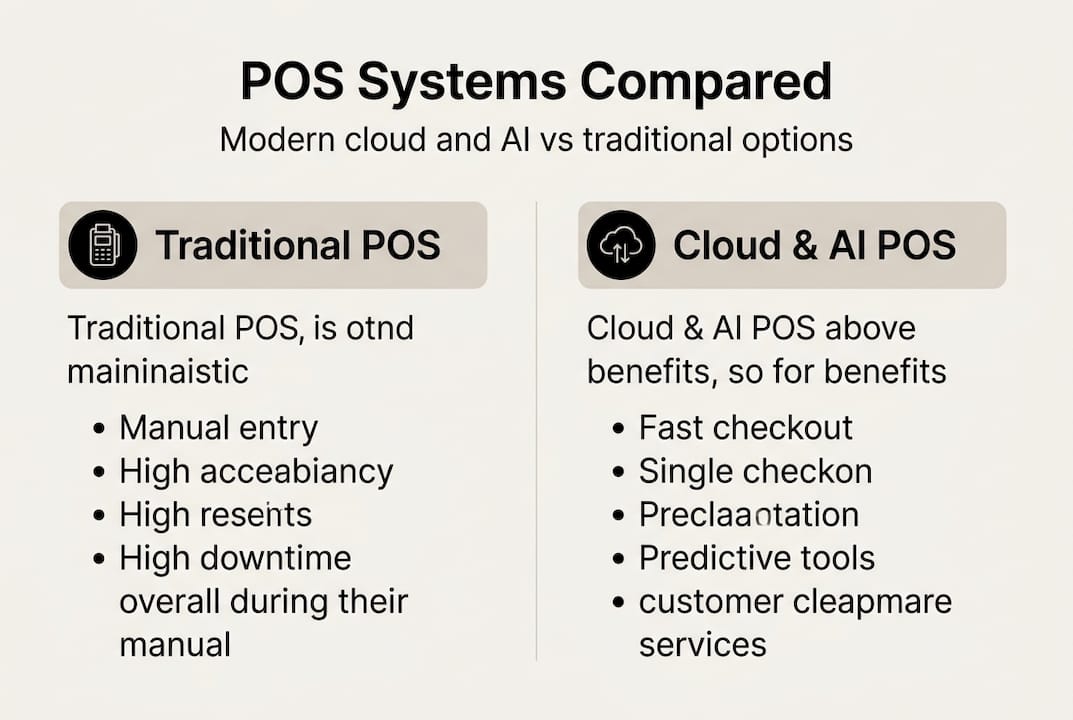
| Feature | Traditional POS | Cloud or AI-enhanced POS |
|---|---|---|
| Upfront cost | Higher | Lower (subscription model) |
| Downtime risk | High | Significantly reduced |
| Remote access | None | Full |
| Expandability | Limited | Scalable on demand |
| Reporting | Basic | Real-time and predictive |
For UK retail and hospitality, your software must also support the payment methods your customers actually use. BNPL and retail finance significantly boost average order values, particularly for higher-ticket items. Understanding the POS software role in managing these options is essential.
Must-have features for 2026 include:
- Contactless and NFC payment acceptance
- Buy Now Pay Later (BNPL) integration
- End-to-end encryption and PCI DSS compliance
- Automatic cloud backup and remote management
- Multi-site reporting for businesses with more than one location
Pro Tip: Invest in scalable solutions from the outset. A system that handles your current volume but cannot grow with you will cost far more to replace than to get right the first time.
Step-by-step guide to streamlining your payment workflow
With the essentials in place, you are ready to transform your payment process. Here is exactly how to do it.
- Audit your current workflow. Walk through every transaction stage and note where delays, errors, or confusion occur. Ask staff directly. They see the friction every day.
- Identify your biggest pain points. Is it slow authorisation? Incompatible payment types? Poor reporting? Rank issues by impact on customer experience and revenue.
- Choose the right POS system and tools. Match your choice to your business type, transaction volume, and growth plans. A busy restaurant has different needs from a boutique retail shop.
- Integrate all components. Ensure your card reader, barcode scanner, printer, and software communicate seamlessly. Gaps between systems are where errors breed.
- Test thoroughly before going live. Run real transactions across every payment method you accept. Streamlining checkout only works if every component performs under real conditions.
- Train your staff properly. A powerful system operated poorly delivers poor results. Hands-on training sessions, not just a manual, make the difference.
- Review and refine regularly. Set a monthly check-in to review transaction data, error logs, and staff feedback.
Research shows that modern POS integrations reduce checkout times and boost operational efficiency considerably. Your checkout setup guide can serve as a practical reference during implementation.
Pro Tip: Test each stage with real transactions before your full rollout. Simulated tests miss the edge cases that real customers and real payment methods expose.
Common mistakes and troubleshooting your payment workflow
Even the best systems can go awry. Knowing the common stumbling blocks means you can fix them fast rather than losing sales while you investigate.
The most frequent process errors include skipped integration steps, hardware that is incompatible with your software version, outdated firmware on card readers, and poor network configuration. Each of these is avoidable with proper setup and routine maintenance.
Watch for these red flags in your day-to-day operations:
- Unexplained delays between payment presentation and authorisation
- Frequent declined transactions that are not customer-related
- Dropped connections during peak trading hours
- Inconsistencies between your POS records and end-of-day banking reports
- Staff regularly resorting to manual overrides
Critical note: Neglecting routine updates is the leading cause of workflow slowdowns and costly downtime. Schedule software and firmware updates during off-peak hours to keep your system performing at its best.
Cloud-based POS systems minimise downtime and improve resilience in high-traffic environments, which is precisely why they are gaining ground in busy hospitality settings. If you experience persistent hardware issues, a dedicated hardware troubleshooting guide can help you isolate the fault quickly.
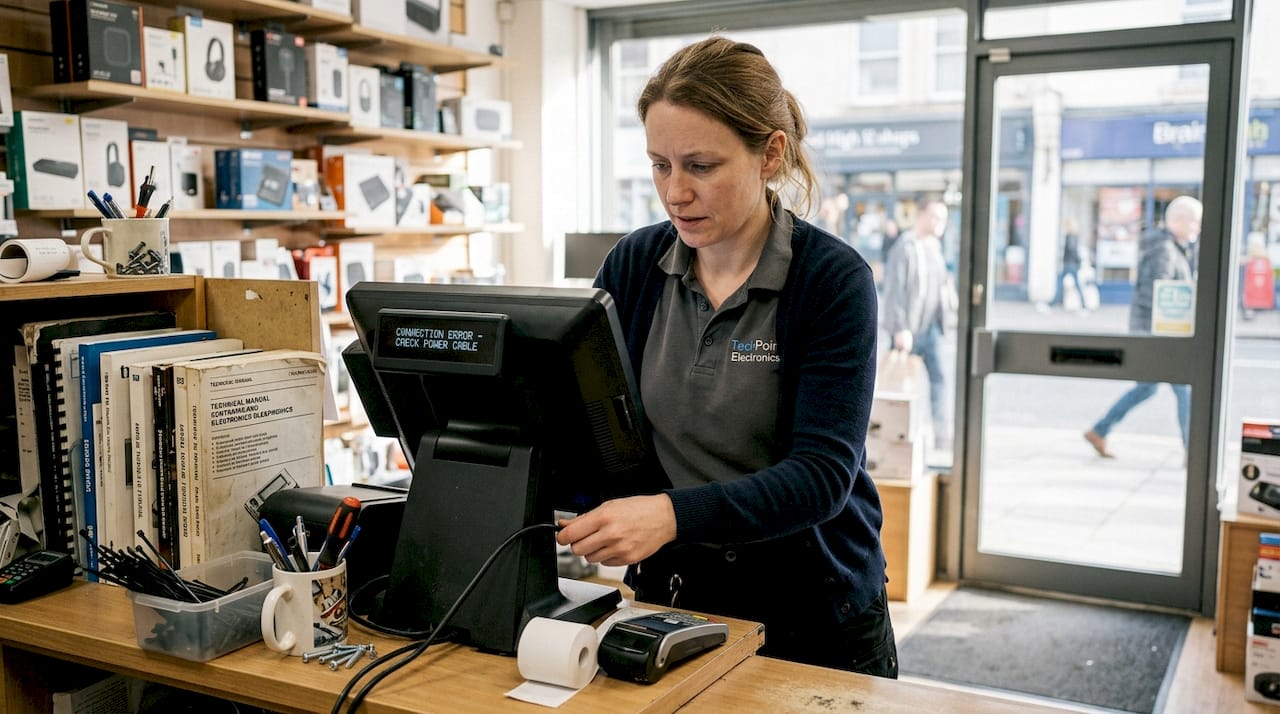
For quick fixes, start with the basics: check all cable connections, restart the terminal, confirm your internet connection is stable, and verify that your software is on the latest version. If the problem persists after these steps, contact your supplier’s support team rather than attempting deeper fixes that could void your warranty or worsen the issue.
Measuring success: what to expect from an optimised payment workflow
After making improvements, it is vital to verify your workflow is actually delivering results. Good intentions and new equipment mean nothing without measurable outcomes.
Focus on these key performance indicators (KPIs): average transaction time, transaction error rate, system downtime incidents per month, and customer satisfaction scores gathered through receipts or follow-up surveys. Tracking these consistently gives you a clear picture of progress.
The table below illustrates the kind of before-and-after results businesses typically see after a proper workflow overhaul.
| Metric | Before optimisation | After optimisation |
|---|---|---|
| Average transaction time | 45 seconds | 18 seconds |
| Transaction error rate | 4.2% | 0.6% |
| Monthly downtime incidents | 8 | 1 |
| Average order value | £28 | £36 |
Statistic: Stores adopting cloud or AI-enhanced POS see up to 80% less downtime, translating directly into more completed sales and fewer frustrated customers.
AI-enhanced POS systems can also improve inventory and sales tracking, predict stock needs, and drive higher average transaction values over time. Understanding why modern POS delivers these gains helps you set realistic expectations with your team.
Schedule a quarterly review with your team to go through the numbers together. Involve the staff who use the system daily. They will often spot patterns in the data that management-level reporting misses.
Why conventional workflow advice falls short in 2026
Most articles on payment workflow optimisation tell you to buy better hardware and update your software. That advice is not wrong, but it is incomplete, and in 2026 it is increasingly insufficient.
The uncomfortable truth is that technology alone does not transform a workflow. We have seen businesses invest in premium POS systems and still struggle with the same delays six months later, because the human side of the equation was ignored. Staff who do not understand why a new process exists will work around it, not with it.
AI-driven systems offer predictive inventory and reduce process bottlenecks in ways that traditional advice simply does not address. But those capabilities only activate when staff are trained to act on the insights the system surfaces. A predictive stock alert ignored is worthless.
Flexibility matters as much as speed. Optimising purely for transaction velocity can create a rigid process that breaks under unusual conditions. Build workflows that can handle exceptions gracefully, whether that is a split payment, a refund mid-queue, or a connectivity drop.
The businesses that see the greatest gains from retail POS success factors are those that treat workflow improvement as an ongoing conversation, not a one-off project. Empower your staff to flag issues and suggest tweaks. Their frontline perspective is your most valuable diagnostic tool.
Pro Tip: Run a short monthly feedback session with your team specifically about the payment process. Five minutes of honest conversation often surfaces issues that weeks of data analysis would miss.
Upgrade your payment workflow with expert POS solutions
Getting your payment workflow right requires the right combination of hardware, software, and ongoing support. At YCR Distribution, we have spent over three decades helping UK retail and hospitality businesses build payment processes that are fast, reliable, and ready for whatever comes next.

Whether you are starting from scratch or upgrading an existing setup, exploring POS hardware options tailored for your sector is the natural first step. From there, our range of POS software options including SAMTOUCH and EZEEPOS gives you the integration and reporting capabilities your business needs to grow. Get in touch with our team to find the right fit for your operation.
Frequently asked questions
What are the main stages of a retail payment workflow?
The workflow covers payment initiation, data processing, transaction authorisation, and completion or confirmation. Each stage requires specific hardware and software components working in sync.
How can BNPL and retail finance options increase my store’s sales?
Offering these options can significantly increase average order value, particularly for higher-ticket items, as BNPL boosts AOV by making larger purchases feel more accessible to customers.
Why does cloud or AI-enhanced POS matter in 2026?
These systems offer up to 80% less downtime, predictive inventory management, and faster problem resolution compared to conventional setups, making them a sound investment for any growing business.
What is the fastest way to troubleshoot a disrupted workflow?
Check hardware connections and confirm your software is fully updated first, then contact your supplier’s support team if the issue continues. Most common faults are resolved at this first stage.
Which KPIs should I monitor after improving my payment workflow?
Prioritise transaction time, error rates, downtime frequency, and customer satisfaction scores. Reviewing these monthly gives you a reliable picture of whether your improvements are holding.