
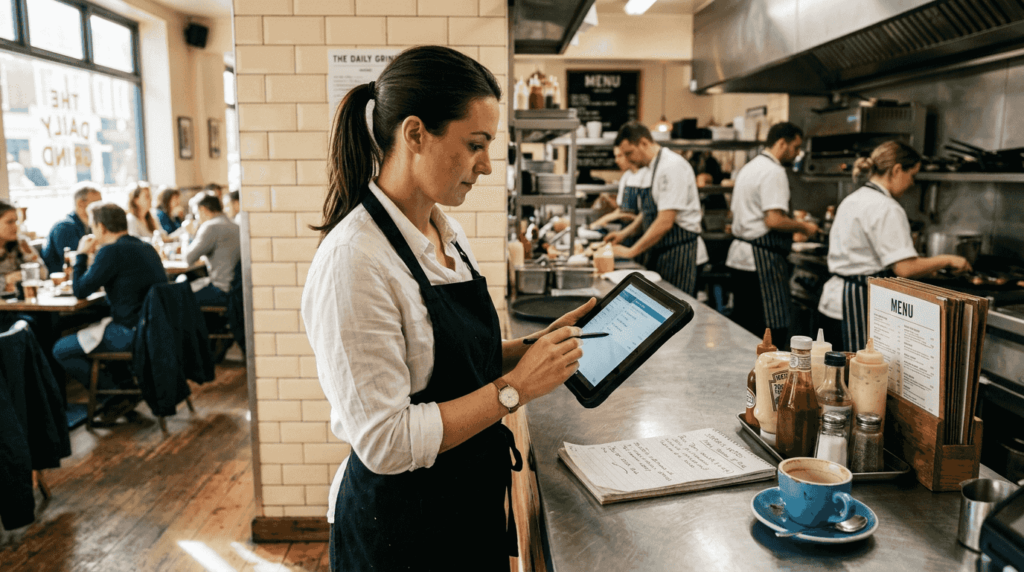
Managing orders efficiently can make or break your restaurant’s success. Delays, errors, and miscommunication frustrate customers and drain revenue. Yet many UK establishments still struggle with outdated processes that slow service and harm profitability. This guide shows you exactly how to master your order management system, from initial setup through daily execution. You’ll discover proven techniques that reduce errors, speed up service, and create happier customers whilst boosting your bottom line.
Table of Contents
- Understanding The Restaurant Order Management Process
- Preparing Your Restaurant For Efficient Order Management
- Executing The Order Management Process Effectively
- Common Pitfalls And Verification For Successful Order Management
- How YCR Can Support Your Restaurant’s Order Management
Key takeaways
| Point | Details |
|---|---|
| Integration boosts volume | Integrating POS and online ordering increases order volume by 25% |
| Centralised tracking essential | Multi-location restaurants need unified systems for real-time order data and reporting |
| Systematic approach improves accuracy | Following structured order management steps enhances speed and reduces errors |
| Avoid common mistakes | Proper preparation and technology use prevent miscommunication and system mismatches |
| AI simplifies operations | Modern platforms automate tracking, reduce errors, and forecast demand effectively |
Understanding the restaurant order management process
The restaurant order management process encompasses every step from the moment a customer places an order until payment is recorded and analysed. This system includes order placement through various channels, processing within your kitchen, fulfilment and delivery, payment collection, and performance reporting. Understanding each stage helps you identify bottlenecks and opportunities for improvement.
Traditional order management relied on paper tickets and verbal communication between front-of-house and kitchen staff. Modern digital approaches use integrated POS systems that connect all ordering channels directly to kitchen displays and reporting tools. This shift eliminates manual data entry and reduces human error significantly.
POS integration proves particularly valuable when connecting online ordering platforms. Research shows that integrating POS and online ordering systems leads to a 25% increase in online order volume. This dramatic boost occurs because seamless integration makes ordering easier for customers whilst giving staff real-time visibility across all channels.
Smooth order flow delivers multiple benefits:
- Faster table turnover and reduced wait times
- Fewer order errors and customer complaints
- Better inventory tracking and waste reduction
- Improved staff coordination and productivity
- Enhanced data collection for business insights
When orders flow seamlessly from placement through fulfilment, your entire operation runs more efficiently. Customers receive accurate orders quickly, staff feel less stressed, and you gain valuable data about peak times, popular items, and customer preferences. This foundation supports growth and helps you make informed decisions about menu changes, staffing levels, and expansion opportunities.
Preparing your restaurant for efficient order management
Before implementing new order management processes, assess your current setup and identify gaps. Start by evaluating your existing technology infrastructure, staff capabilities, and workflow pain points. This preparation phase determines how smoothly your transition will proceed.
Essential hardware and software components include:
- Modern POS terminals with touchscreen interfaces
- Kitchen display systems or printer stations
- Reliable internet connectivity and backup systems
- Integrated online ordering platforms
- Mobile devices for table-side ordering
- Payment processing equipment
Staff training ranks equally important as technology investment. Your team must understand how to use new systems confidently and troubleshoot basic issues. Schedule comprehensive training sessions before launching new processes, and provide reference materials for ongoing support. Consider designating tech-savvy staff members as champions who can assist colleagues during the transition.

Evaluating your current workflow reveals specific pain points that need addressing. Walk through a typical order from start to finish, noting where delays occur, where information gets lost, and where staff struggle. These observations guide your improvement priorities and help you measure progress after implementation.
| Preparation Essential | Why It Matters | Action Required |
|---|---|---|
| Hardware assessment | Outdated equipment causes delays | Audit all terminals and displays |
| Software compatibility | Systems must communicate seamlessly | Test integrations thoroughly |
| Staff readiness | Untrained teams create bottlenecks | Schedule comprehensive training |
| Network reliability | Connectivity issues halt operations | Ensure robust internet and backup |
| Process documentation | Clear procedures maintain consistency | Create step-by-step guides |
Platforms like Flipdish offer all-in-one solutions for restaurants, combining point of sale with online ordering capabilities. These integrated systems simplify setup by reducing the number of vendors you need to coordinate with. When selecting technology, prioritise solutions designed specifically for hospitality rather than generic retail systems.
Pro Tip: Pilot test new systems during off-peak hours before full deployment. This approach lets you identify issues and train staff without disrupting busy service periods or frustrating customers.
Consult our restaurant POS setup guide and review the best POS systems for restaurants to make informed technology choices. Proper preparation prevents costly mistakes and ensures your investment delivers maximum value.
Executing the order management process effectively
Effective execution requires following a systematic workflow that ensures accuracy and speed at every stage. This structured approach reduces errors whilst maintaining consistency across shifts and staff members.
The complete order management workflow follows these steps:
- Receive the order through your chosen channel (dine-in, phone, online, or mobile app)
- Confirm order details and communicate any modifications or special requests immediately
- Route the order to the appropriate kitchen station with clear timing requirements
- Prepare items according to specifications whilst monitoring order status
- Conduct quality checks before packaging or serving
- Deliver to the customer with appropriate presentation
- Process payment and record the transaction
- Collect feedback and update inventory systems
Single-location restaurants can manage orders through a centralised POS system that coordinates kitchen and front-of-house activities. Multi-location operations require more sophisticated approaches. Restaurants with multiple sites need centralised order management for real-time data and consistent reporting across all locations.
| Aspect | Single Location | Multi-Location |
|---|---|---|
| System architecture | Standalone POS | Cloud-based centralised platform |
| Data access | Local only | Real-time across all sites |
| Menu updates | Manual per location | Synchronised automatically |
| Reporting | Individual site metrics | Consolidated performance data |
| Staff management | Site-specific | Cross-location visibility |
Real-time monitoring transforms order management by giving you instant visibility into kitchen capacity, order status, and potential delays. Modern systems display colour-coded alerts when orders approach target completion times, helping staff prioritise effectively. This proactive approach prevents bottlenecks before they impact customer experience.
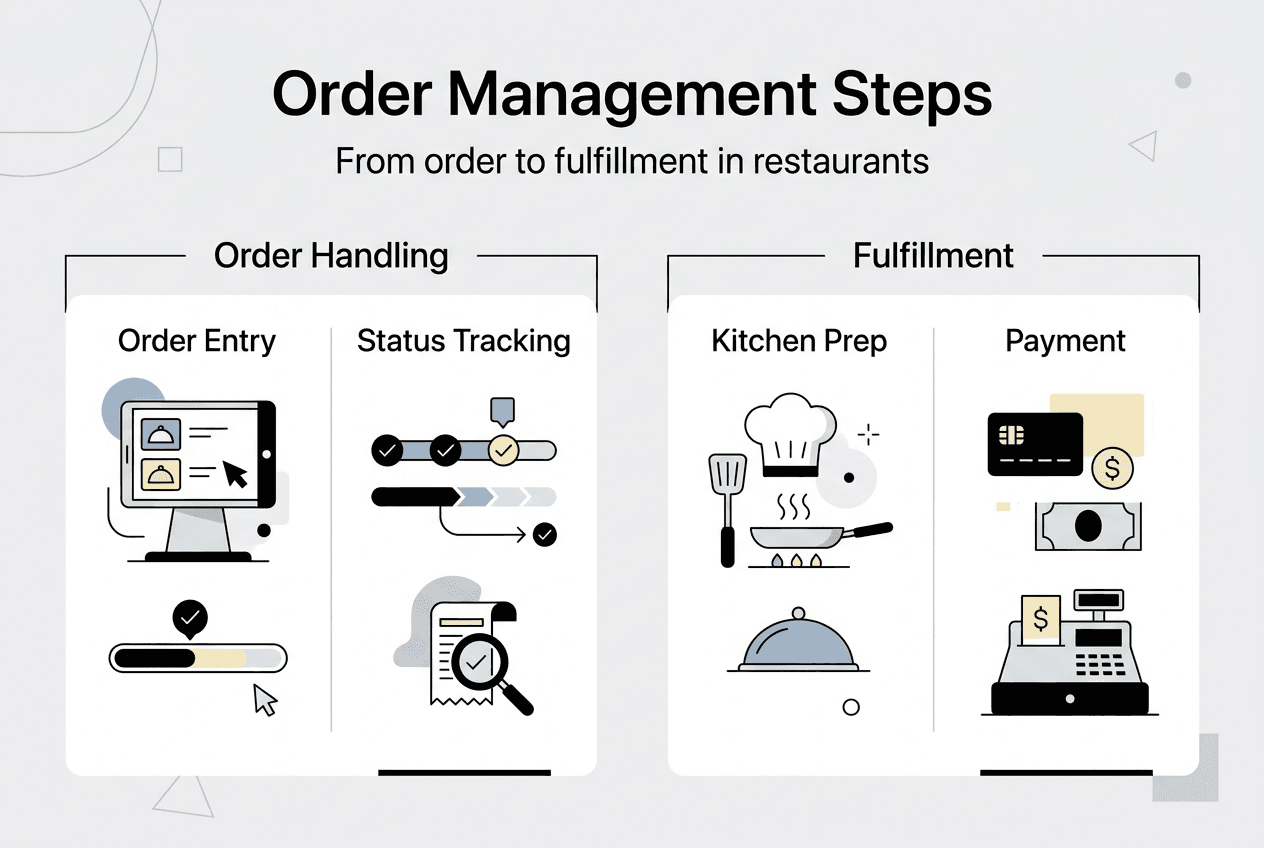
Pro Tip: Implement order status notifications that automatically update both staff and customers. Text or app alerts reduce anxiety about wait times and minimise enquiries to your team, freeing them to focus on preparation and service.
Technology tools that automate tracking and reporting eliminate manual data entry whilst providing valuable insights. The benefits of integrated POS systems extend beyond order management to inventory control, staff scheduling, and financial reporting. Learn how to set up POS systems efficiently to maximise these advantages from day one.
Common pitfalls and verification for successful order management
Even well-designed systems fail when teams neglect maintenance and verification. Understanding common mistakes helps you avoid them whilst establishing verification processes ensures consistent performance over time.
Frequent order management errors include:
- Miscommunication between front-of-house and kitchen staff about modifications or timing
- System mismatches when online orders don’t sync properly with kitchen displays
- Neglected software updates that cause compatibility issues or security vulnerabilities
- Inadequate staff training leading to incorrect system use
- Failure to monitor order accuracy metrics and customer feedback
- Overlooking peak-time capacity planning
Verification techniques maintain smooth operations and catch problems early. Regular audits of your order management process should examine order accuracy rates, average fulfilment times, customer complaint patterns, and system uptime. Schedule these reviews monthly at minimum, with more frequent checks during busy seasons or after system changes.
Customer feedback provides invaluable insights that internal metrics miss. Actively solicit reviews and comments about order accuracy, timing, and overall experience. Respond to negative feedback promptly and use patterns to identify systemic issues rather than isolated incidents.
Performance metrics worth tracking include:
- Order accuracy rate (target 98% or higher)
- Average fulfilment time by order type
- Peak hour capacity utilisation
- System downtime incidents
- Customer satisfaction scores
- Revenue per available seat hour
Artificial intelligence increasingly plays a role in reducing errors and optimising operations. Flipdish provides AI-powered restaurant software that simplifies daily operations and increases orders through intelligent automation. These systems learn from historical data to forecast demand, suggest optimal staffing levels, and identify menu items that slow kitchen throughput.
Pro Tip: Schedule periodic system reviews every quarter to assess whether your order management technology still meets your needs. Restaurant operations evolve, and systems that worked perfectly six months ago might now constrain growth or miss new opportunities.
Continuous improvement separates thriving restaurants from struggling ones. Use your verification data to identify specific areas for enhancement, implement changes systematically, and measure results objectively. Consider reasons to upgrade your POS systems when your current technology limits efficiency or lacks features that competitors offer.
How YCR can support your restaurant’s order management
Mastering order management requires the right technology foundation. YCR Distribution specialises in comprehensive POS solutions designed specifically for UK hospitality businesses. Our hardware and software offerings integrate seamlessly to streamline every aspect of order handling.

Whether you need robust POS hardware solutions like terminals and kitchen displays, sophisticated POS software with online ordering integration, or expert guidance on implementation, YCR provides complete support. Our team understands the unique challenges restaurant managers face and can recommend tailored solutions that fit your specific operation. Explore our POS implementation process guide to see how we help restaurants transform their order management from chaotic to controlled.
FAQ
What is a restaurant order management process?
The restaurant order management process is the systematic method establishments use to handle customer orders from initial receipt through fulfilment and payment. It encompasses order placement via multiple channels, kitchen processing, quality control, delivery or service, payment collection, and performance analysis. Effective management ensures accuracy, timeliness, and customer satisfaction whilst providing valuable operational data.
How does integrating online ordering with POS benefit my restaurant?
Integrating online ordering with your POS system streamlines order handling and increases order volume by 25% according to industry research. This integration eliminates manual data entry, reduces errors, and gives staff real-time visibility across all ordering channels. Customers enjoy faster, more accurate service whilst you gain consolidated reporting and better inventory management.
What are common mistakes to avoid in order management?
Common errors include miscommunication between staff about order modifications, ignoring system updates that cause compatibility issues, and insufficient training on new technology. Other pitfalls involve failing to monitor accuracy metrics, neglecting customer feedback, and inadequate capacity planning for peak periods. Regular audits, comprehensive training programmes, and systematic feedback collection prevent these issues and maintain operational excellence.
How can AI improve order management in restaurants?
AI automates order tracking, reduces human errors, and forecasts demand based on historical patterns. Flipdish provides AI-powered software that simplifies daily operations and increases orders through intelligent automation. These systems analyse data to suggest optimal staffing levels, identify slow-moving menu items, and predict busy periods. This leads to smoother operations, better resource allocation, and increased revenue through improved efficiency and customer satisfaction.